 iDigi
iDigi
The same window, mode after mode.
Click any image to see it full size.
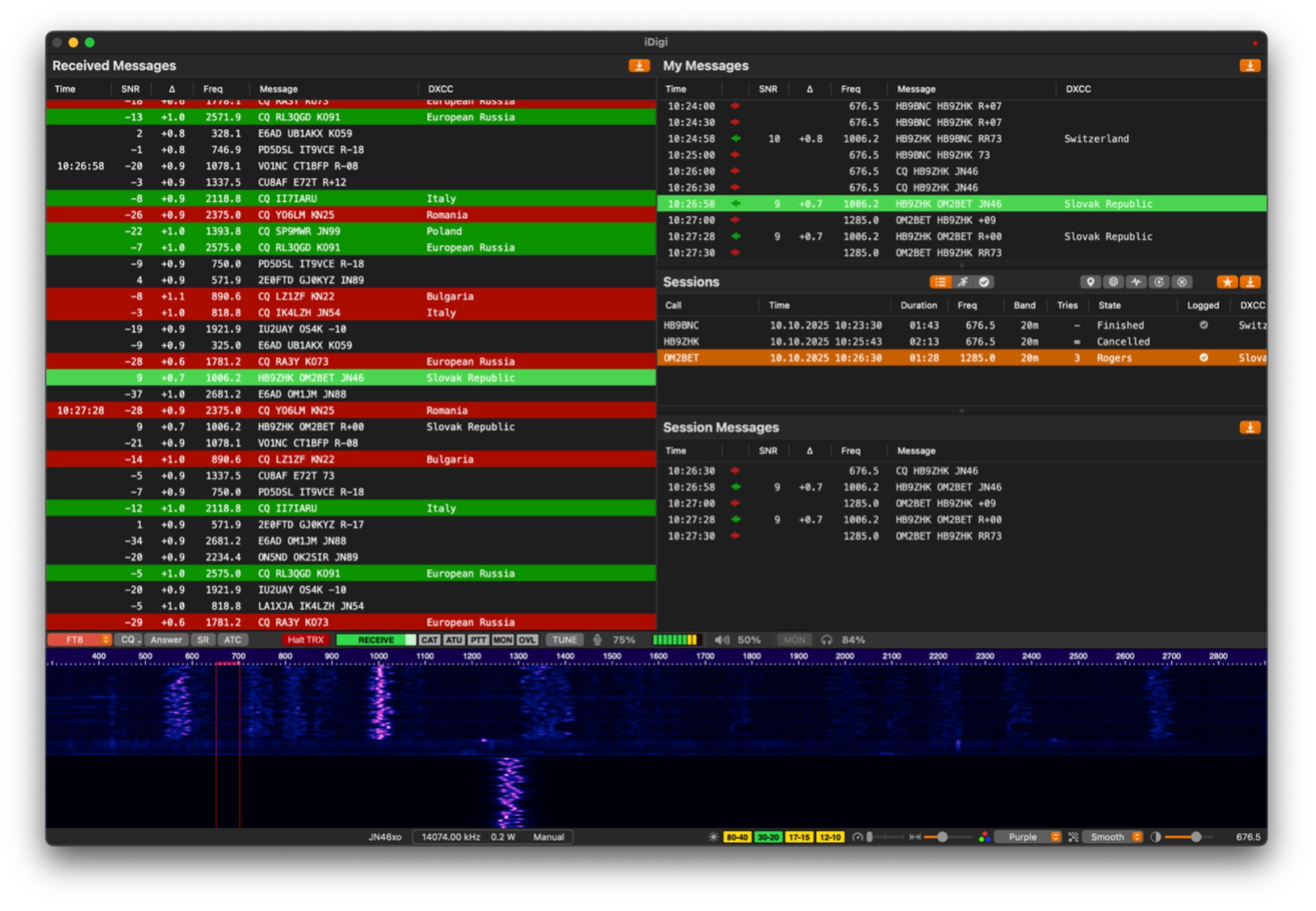
FT4 and FT8
Waterfall, decode list and log in one view, with the full FT8 period decoded across the passband and FT4 for the faster exchanges. Decoder performance is on par with WSJT-X.
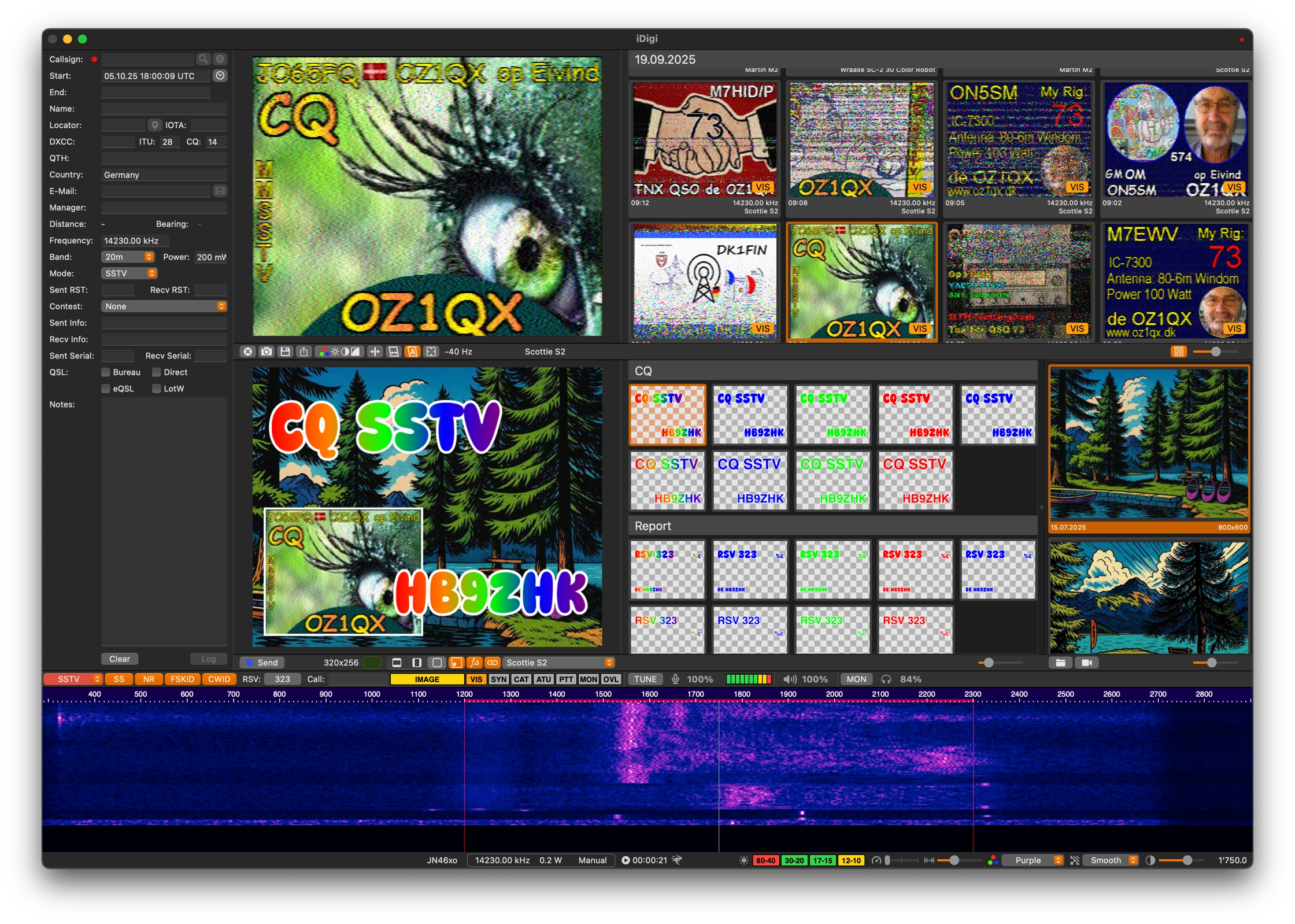
SSTV
VIS codes detected as the transmission starts, live slant and offset correction, and every frame kept in the image browser.
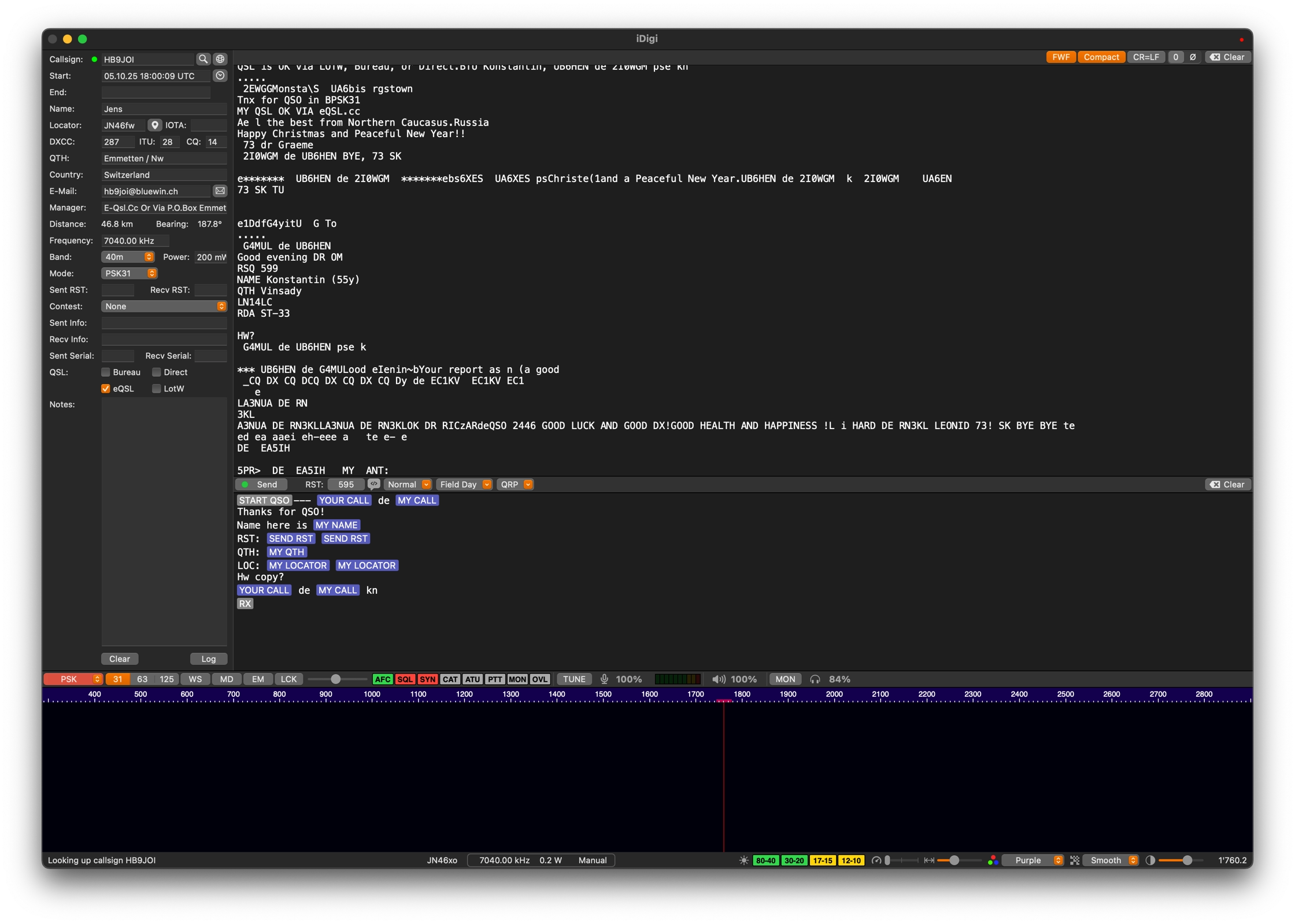
PSK
PSK31, 63 and 125, plus QPSK, with CAT control and frequency presets handled for you.
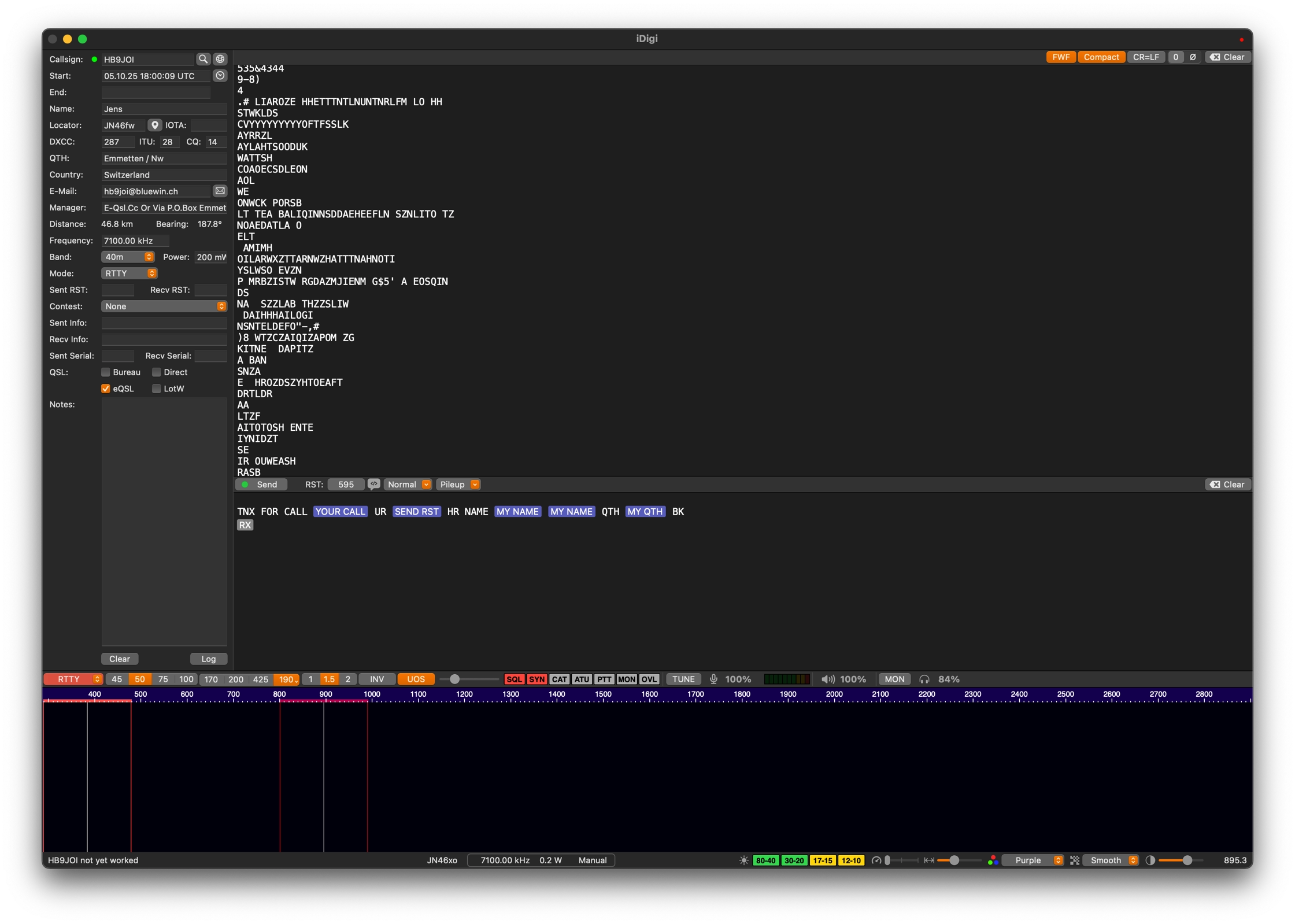
RTTY
Classic teletype operation on the HF bands, tuned from the same waterfall as everything else.
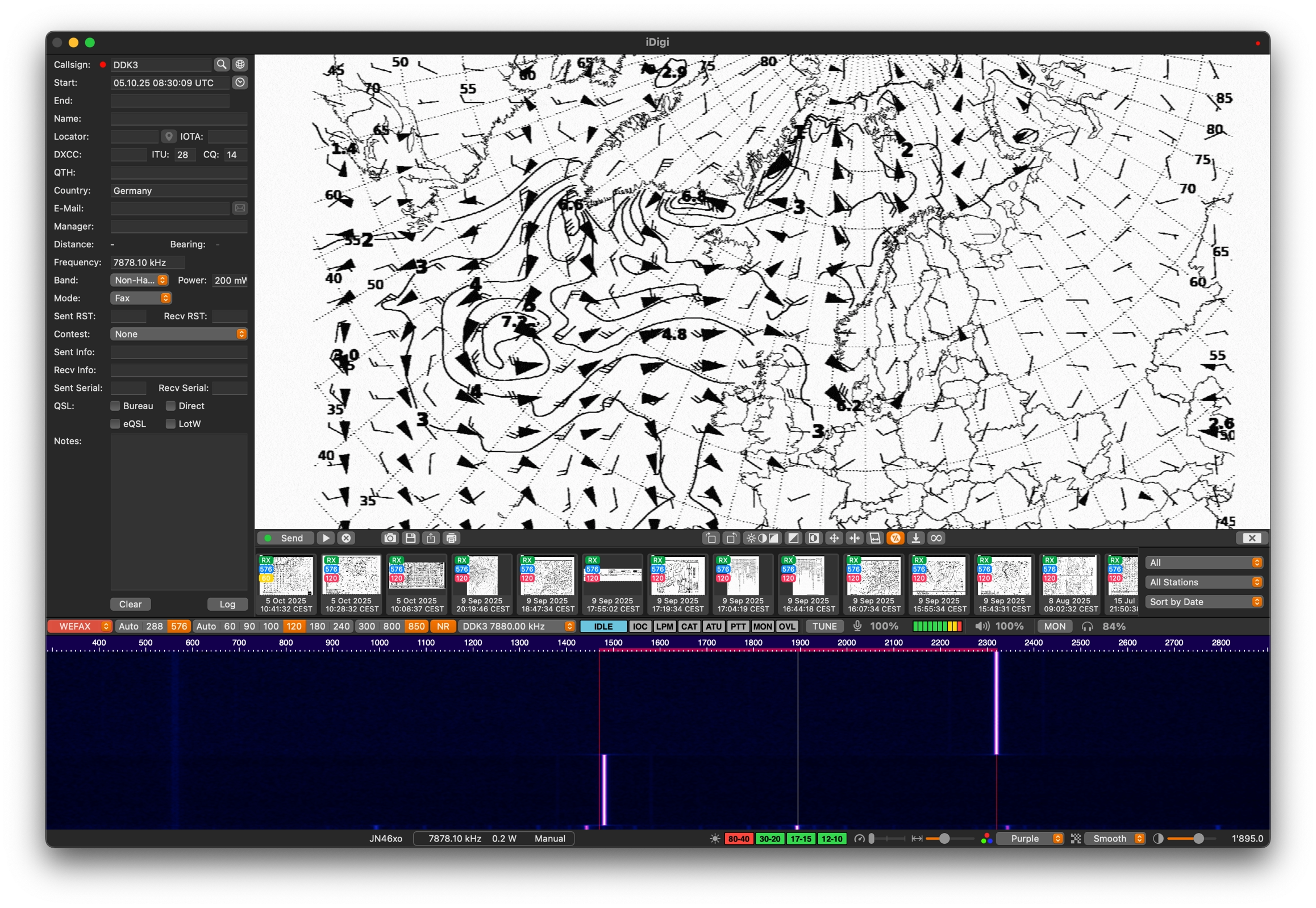
WEFAX
Weather fax with professional slant, offset and image controls available while the chart is still drawing.
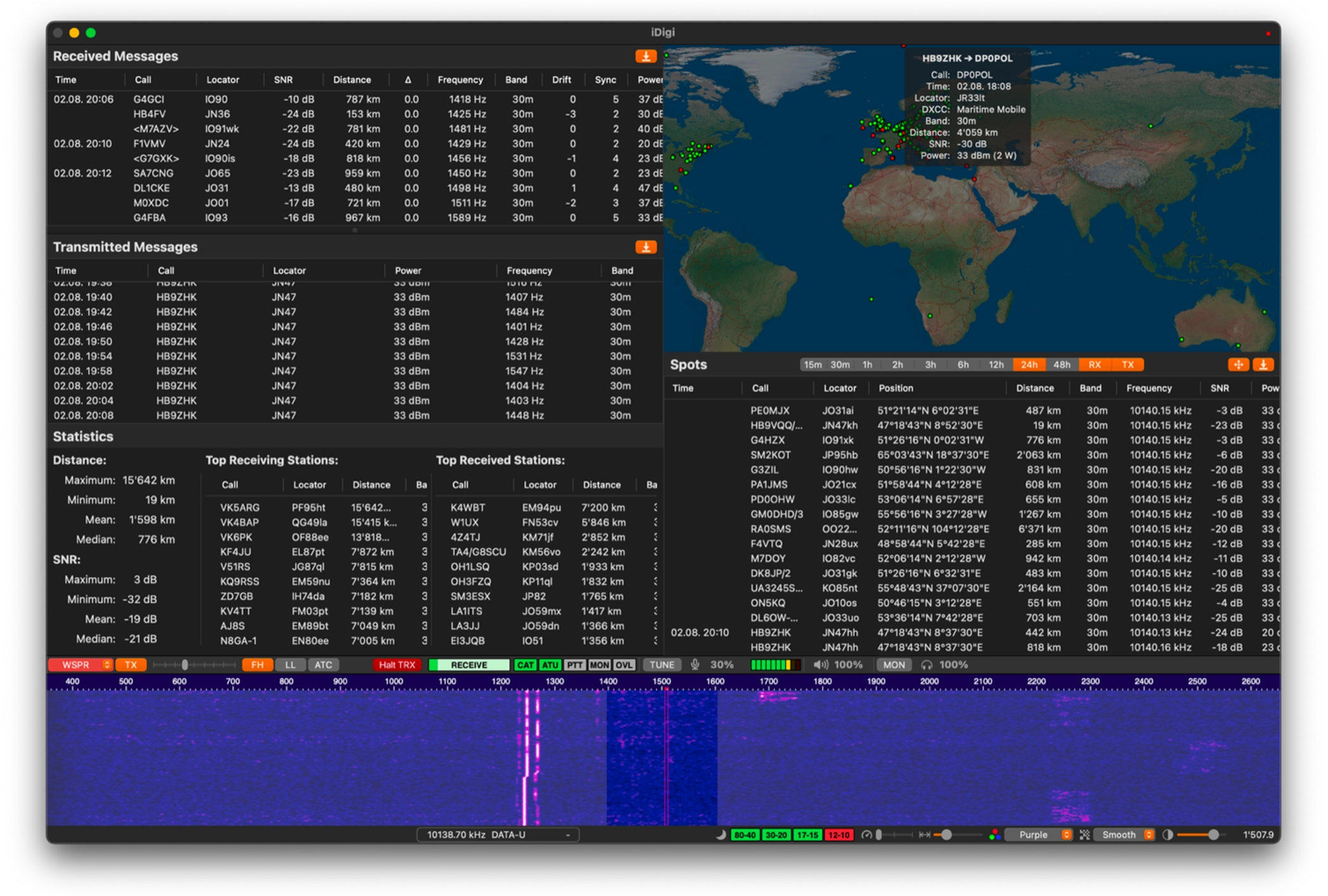
WSPR
Weak-signal propagation reporting, with your transmissions plotted on the interactive world map and paths readable as they are reported.
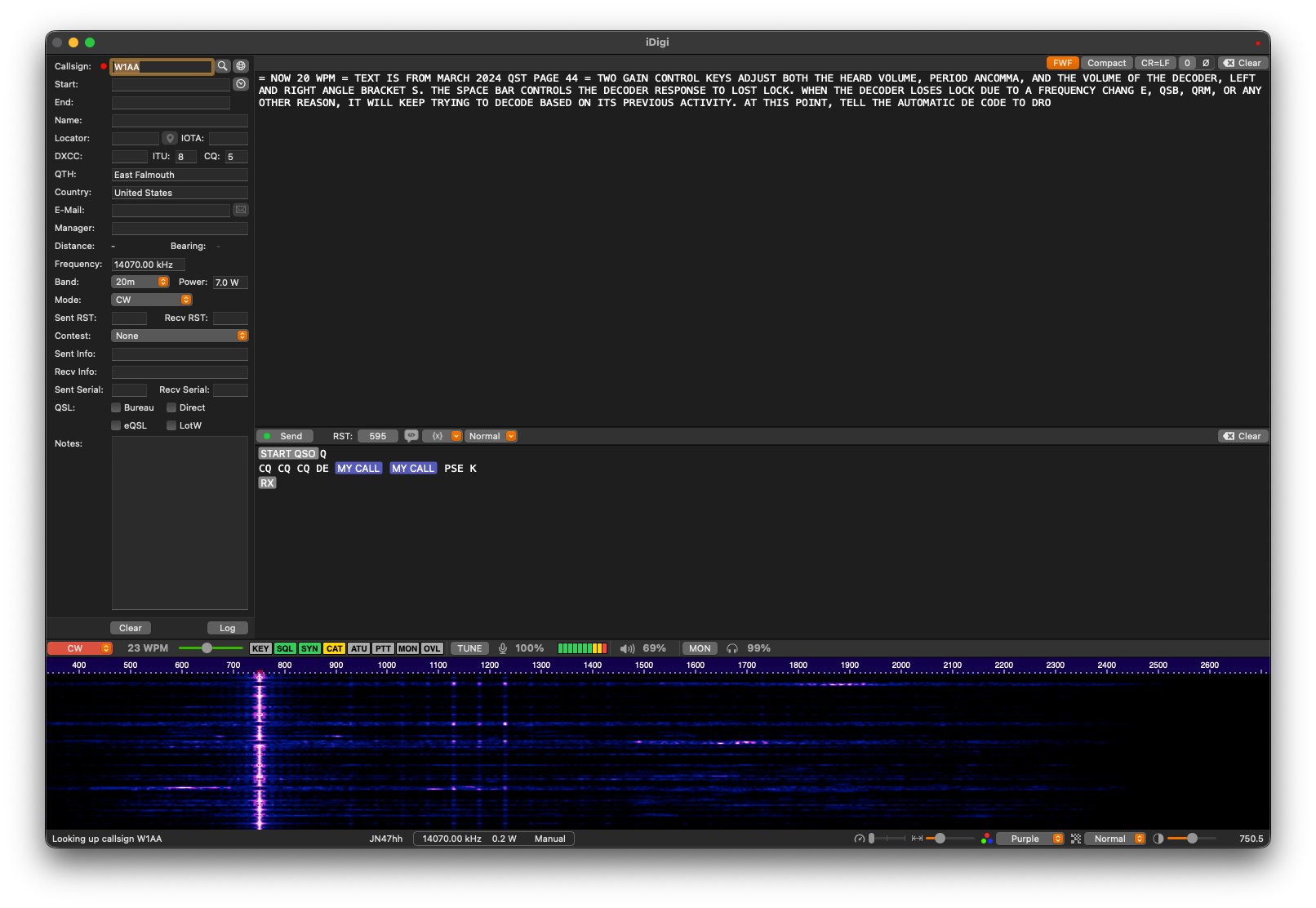
CW
A rebuilt decoder, 50 to 60 percent more accurate than its predecessor and state of the art on weak and hand-sent signals.
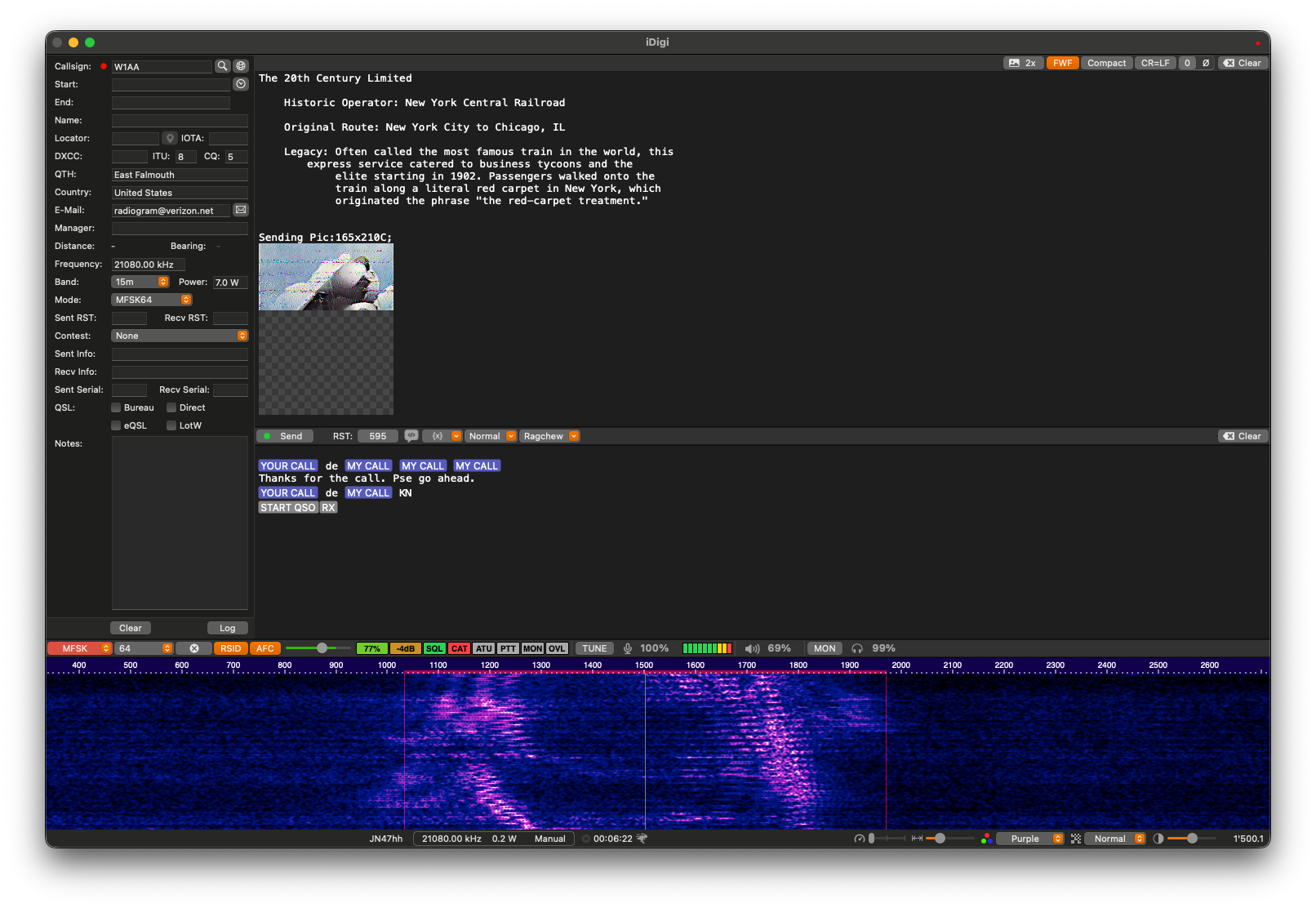
MFSK
Receive Shortwave Radiogram — text and images broadcast in MFSK on the shortwave bands, decoded and saved as they arrive.
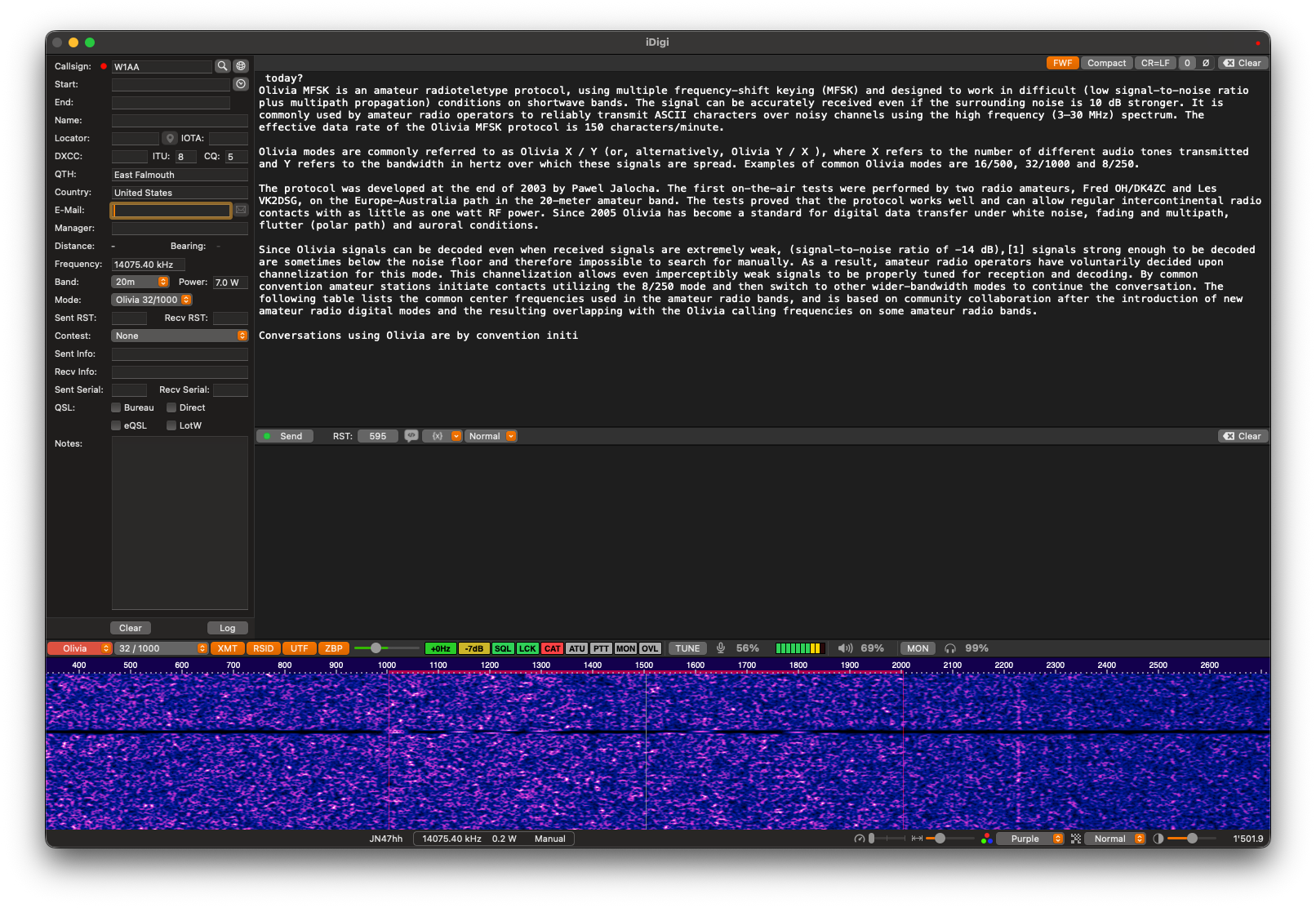
Olivia and Contestia
Robust MFSK keyboard modes that hold a conversation through noise, fading and interference.
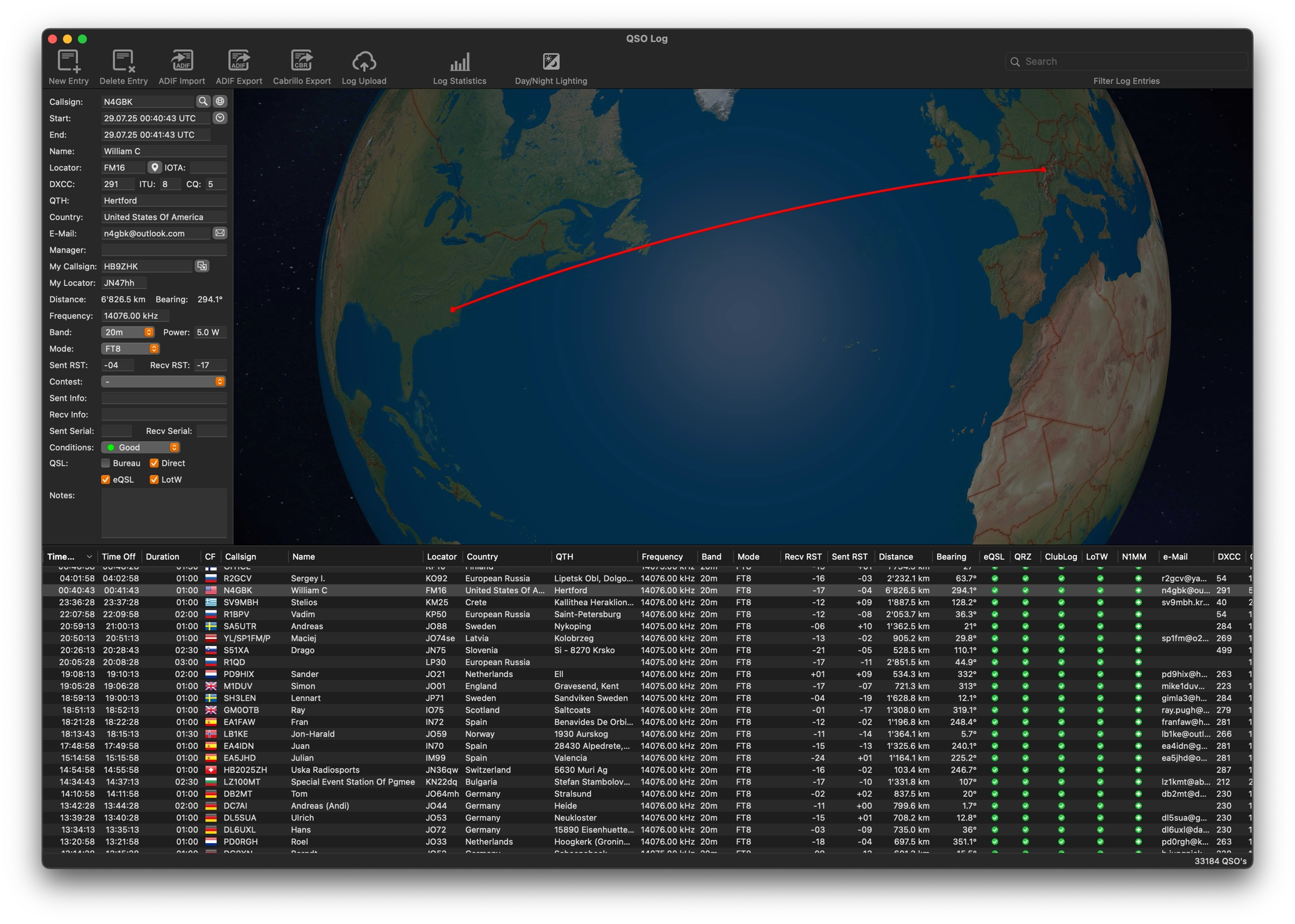
Integrated logger
Contacts land here with station details from QRZ.com or HamQTH, then transfer to your usual logger and upload to LoTW, QRZ.com, eQSL, Clublog and Wavelog.
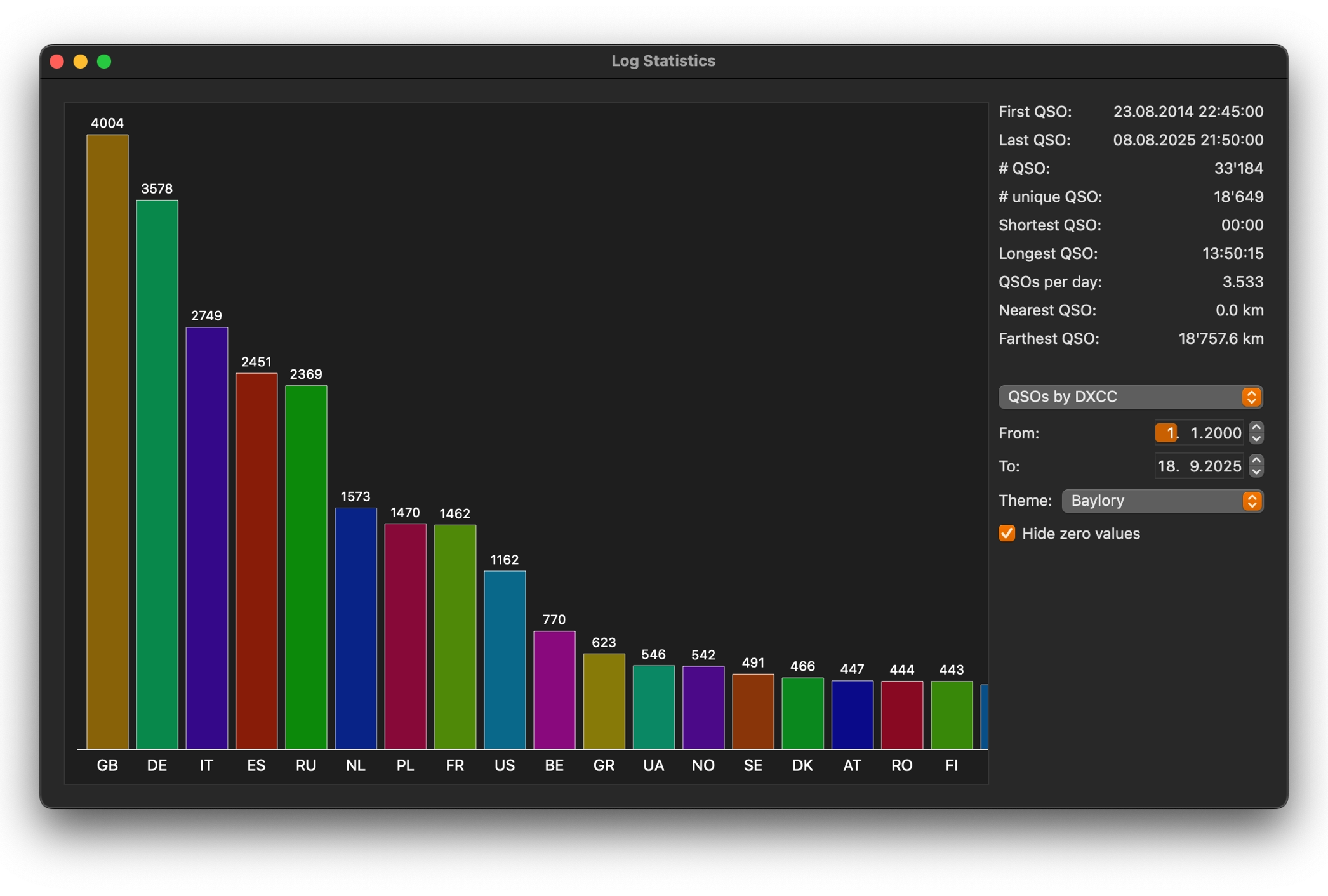
Log statistics
Bands, modes, countries and contacts over time, read from the same log iDigi writes as you operate.
See it on your own band.
Free to try, with the full licence as a single in-app purchase. Requires macOS 12.4 or later.